Dataset Filters
Record Visualization
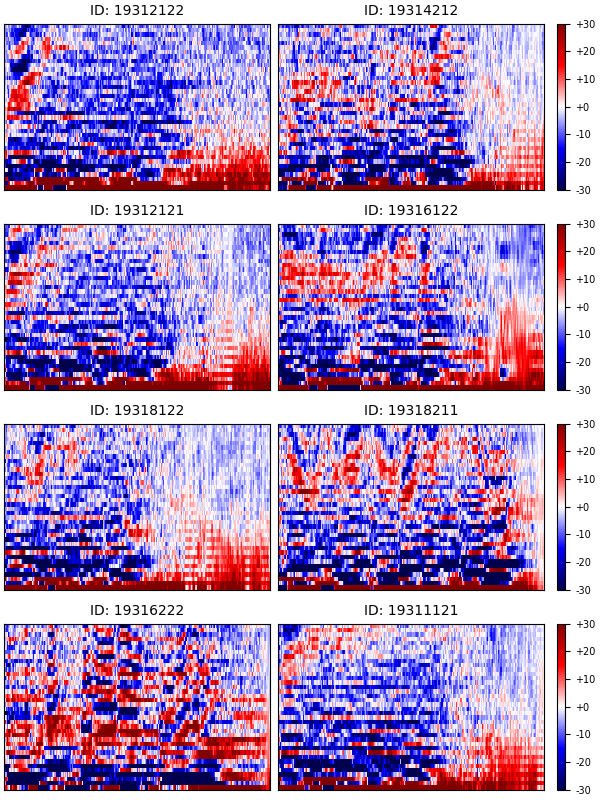
The class selector works similarly to the feature extractor, except that it displays up to the first eight records, as either mel spectrograms or mfccs, from the group matching the selection.
The "Next" button retrieves the next group of up to eight records that match the filter selection.
The Next Audio File button loads the next sample within the returned group into the audio player. You can use the Current Record Audio ID just below this button to match the playing audio to the displayed feature extraction.
Train the models to identify the selected class and test their performance. Clicking this button will:
Note: You must make AND SUBMIT a selection in the filter section in order to identify the class we're training the model to identify.