Step 1
Use the dropdowns, multiselect, and radio buttons above the submit button to select samples with those characteristics.
- Use ctrl/shift to select multiple emotions.
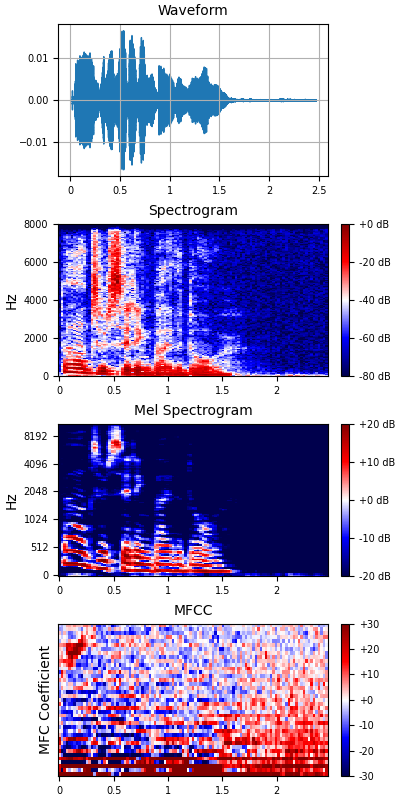
- The mel and mfcc selectors respectively control the number of mel filters and the number of mel frequency cepstral coefficients (mfccs) used in feature extraction.
Note: odd numbered actors are male and even numbered actors are female. Selecting actor 2 and setting sex to male will result in a flashed error message. You can simply make another selection if this happens.
A similar issue arises when specifying the intensity as 2 and the emotion as only neutral. As mentioned in the Data Inspection section, the samples labeled neutral are only recorded with intensity of 1.
Step 2
After making the selection, click the "Submit" button.
- This returns a list of records matching the selection.
- For example: Male actors vocalizing phrase 1 with the emotion happy returns 48 records.
- The features, along with the audio are loaded for you to view/listen.
- The text under the audio player displays all the characteristics of the loaded sample.
Step 3
Use the "Next" button to view and listen to the next record in the group.